
HTML5 Games vs Traditional Games: Why Browser Games Have a Real Advantage

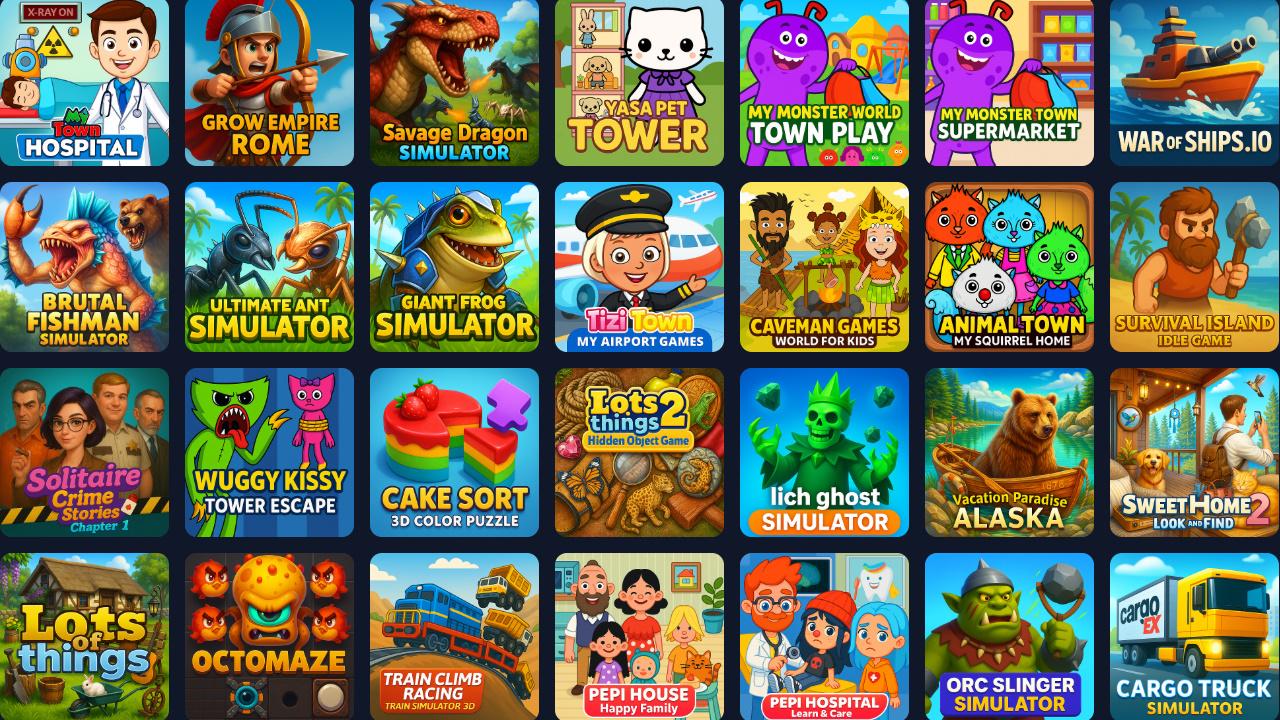
HTML5 games have become one of the fastest-growing segments in online gaming — and not by accident. Compared to traditional PC, console, and mobile app games, browser-based HTML5 games remove friction, lower hardware barriers, and let players jump straight into gameplay.
Here’s a clear, practical breakdown of why HTML5 games offer real advantages over traditional games, especially for modern players.
1. Instant Play: No Downloads, No Waiting
Traditional games usually require downloads, installations, updates, and sometimes account creation. HTML5 games skip all of that.
Players click — and the game starts.
This matters because most people don’t plan long gaming sessions. They play during short breaks, commutes, or downtime. HTML5 games fit naturally into these moments, while large downloads push players away before the game even begins.
Instant access isn’t a feature. It’s the foundation.
2. True Cross-Platform Gaming
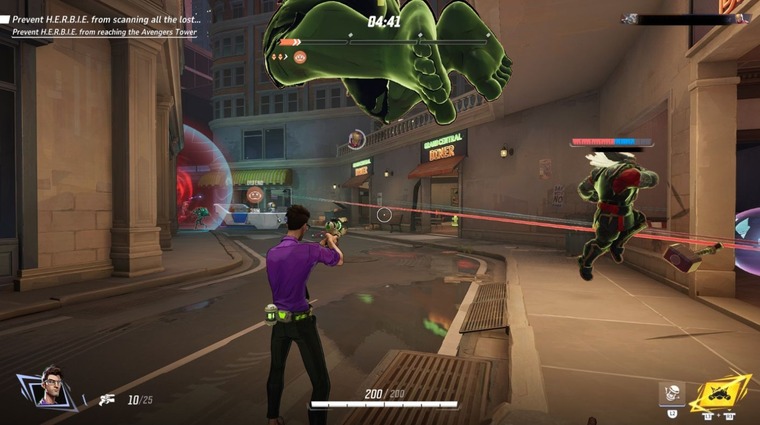
HTML5 games run directly in modern web browsers. That means the same game works on:
- Desktop computers
- Laptops
- Tablets
- Mobile phones
No separate versions. No repurchasing. No app store restrictions.
Players can switch devices freely, and developers maintain one unified game experience. This flexibility gives browser games a reach that traditional platform-locked games simply can’t match.
3. No Storage Usage, Always Updated

Native games take up storage space and require manual updates. Over time, devices fill up and performance suffers.
HTML5 games live online:
- No installation files
- No storage consumption
- No update prompts
Players always access the latest version automatically. Developers can fix bugs and improve performance instantly, without forcing users to download anything new.
It’s a cleaner, lighter way to play.
4. Works on Low-End Devices

Many traditional games demand powerful hardware. HTML5 games are built with efficiency in mind.
They run smoothly on:
- Older laptops
- Budget smartphones
- School or office computers
This dramatically expands the audience. More devices supported means more players included — without sacrificing gameplay quality.
Accessibility beats raw power for most players.
5. Faster Updates, Smarter Design

HTML5 games evolve quickly. Developers can test mechanics, tweak difficulty, adjust controls, and optimize performance in short cycles.
There’s no long approval process, no forced updates, no version fragmentation.
As a result, browser games often feel tighter, more responsive, and more refined over time — especially in fast-paced arcade and skill-based genres.
6. Perfect for Casual and Skill-Based Games
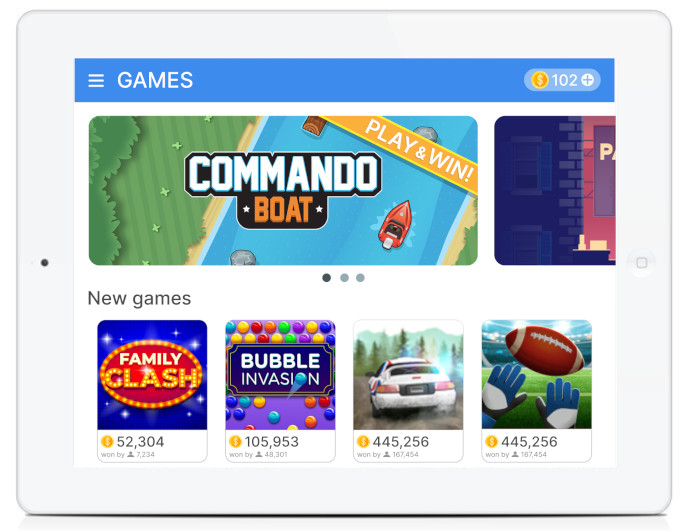
HTML5 games excel at experiences that prioritize:
- Quick sessions
- Clear rules
- Skill, timing, and reflexes
- Replayability
They don’t rely on long tutorials or complex systems. Players learn by playing — immediately.
That’s why genres like arcade games, puzzle games, and casual action games thrive in the browser.
7. Safer and More Trustworthy for Users

HTML5 games run inside the browser sandbox. They don’t require system-level permissions or external installers.
This makes them especially appealing for:
- Parents
- Schools
- Casual players
- Shared devices
A browser game is easy to trust — and easy to close.
Why Platforms Like Play360Games Focus on HTML5 Games
HTML5 games aren’t replacing traditional games. They’re solving a different problem.
They remove friction.
They respect players’ time.
They work everywhere.
That’s why platforms dedicated to browser games continue to grow. HTML5 isn’t a compromise — it’s a design philosophy built around accessibility, speed, and fun.


.png)