
Common Browser Game Controls Explained (WASD, Mouse, Touch)
.png)
How Keyboard, Mouse, and Touch Controls Shape the Browser Gaming Experience

Browser games are designed to be played instantly, without downloads or setup. But behind that simplicity lies an important design decision: how players control the game.
Most browser games rely on three core input methods — WASD keyboard controls, mouse input, and touch controls. Each serves a different play style, device, and type of game. Understanding these control schemes explains why browser games feel intuitive across desktop and mobile.
WASD: The Standard for Keyboard Movement
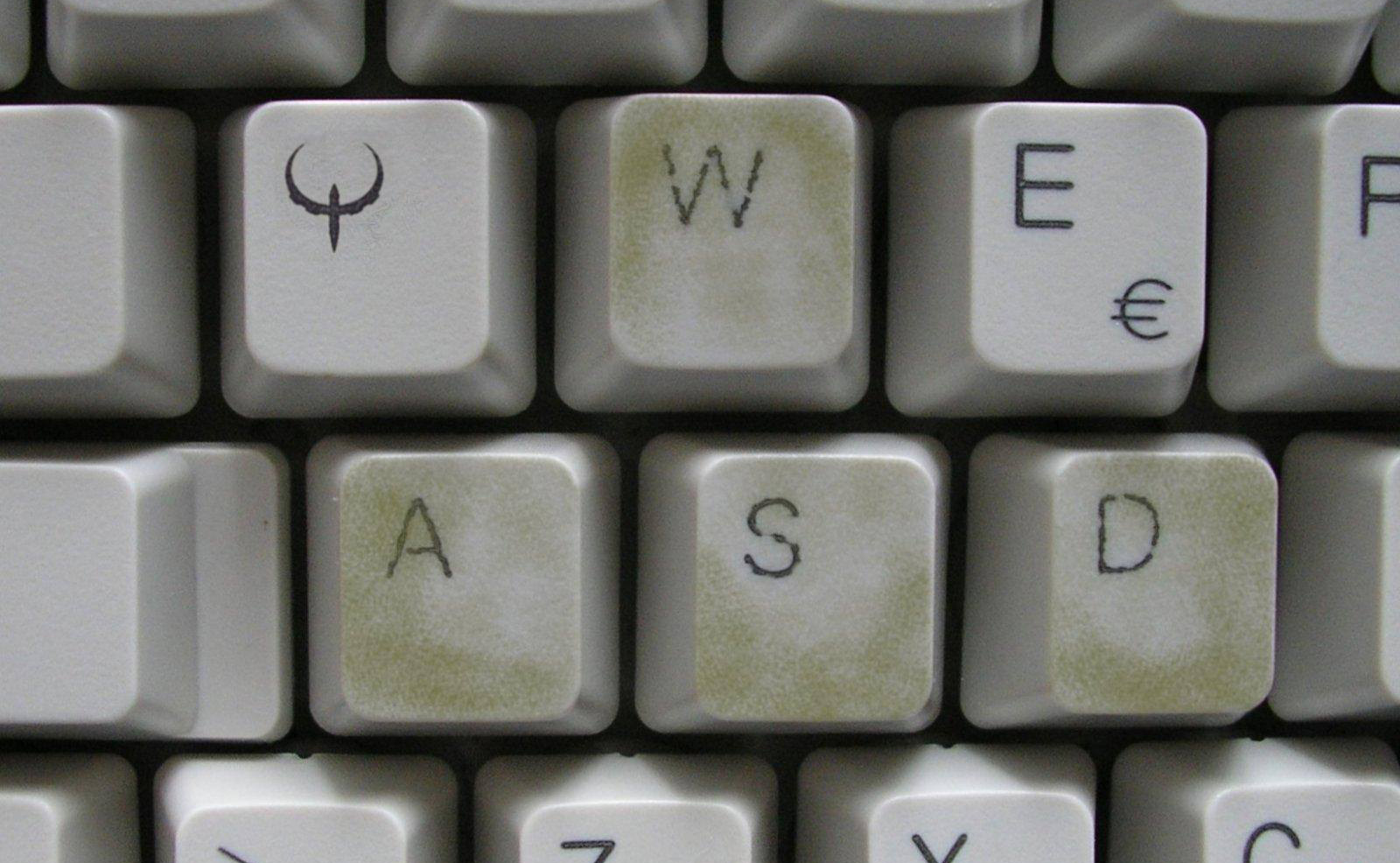
WASD controls originated in PC gaming and became the standard for movement in browser-based action games.
- W / A / S / D control up, left, down, and right movement
- Leaves arrow keys free for menus or secondary actions
- Comfortable for long sessions on desktop keyboards
In browser games, WASD is especially common in action, survival, and skill-based games where precise movement matters. It allows players to keep one hand on movement while the other uses the mouse for aiming or interaction.
For experienced players, WASD feels immediate and familiar — no learning curve required.
Mouse Controls: Precision and Interaction
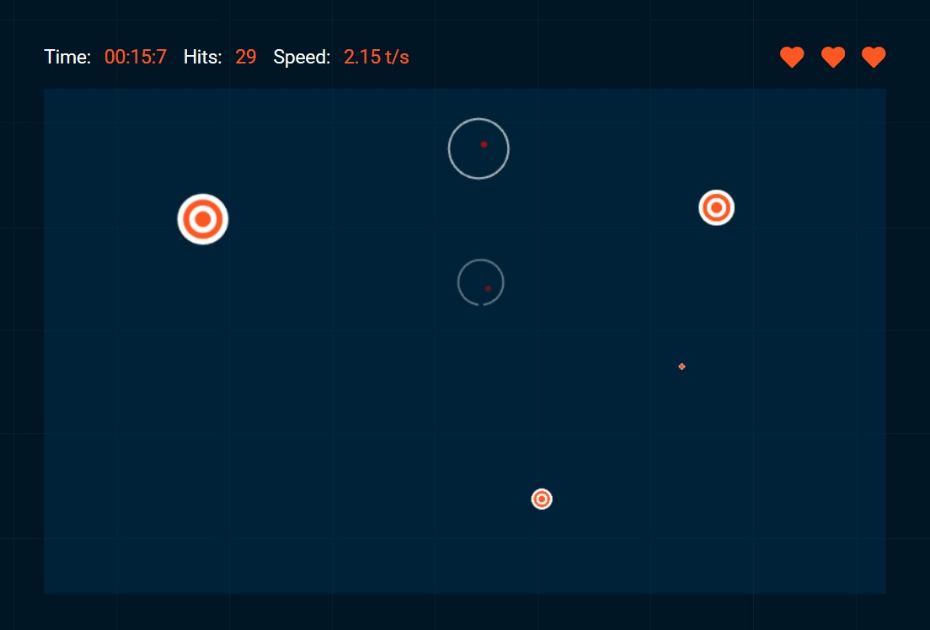
Mouse input adds precision that keyboards alone can’t provide. Browser games commonly use the mouse for:
- Aiming and shooting
- Point-and-click movement
- Dragging objects
- Selecting UI elements
Puzzle games, strategy games, and physics-based games benefit heavily from mouse controls. The ability to point, click, and drag mirrors real-world interaction, making many browser games feel intuitive even for first-time players.
In many games, the mouse works alongside WASD — movement with the keyboard, precision with the mouse.
Touch Controls: Designed for Mobile Play
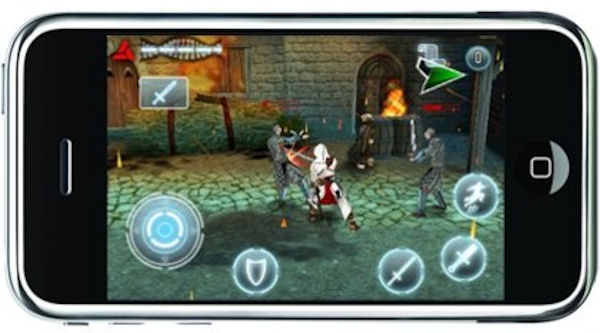

On mobile devices, browser games rely on touch input. Since physical buttons don’t exist, developers recreate controls directly on the screen.
Common touch control methods include:
- Virtual joysticks for movement
- On-screen buttons for actions
- Tap and swipe gestures
Touch controls are optimized for short sessions and one-handed play. Well-designed mobile browser games space controls carefully to avoid accidental input and keep gameplay comfortable on smaller screens.
When done right, touch controls feel natural — not like a compromise.
Why Browser Games Support Multiple Control Schemes

One of the strengths of HTML5 browser games is flexibility. The same game can support:
- WASD on desktop
- Mouse input for precision
- Touch controls on mobile
This allows players to switch devices without relearning the game. It also lets developers reach a broader audience without building separate versions for each platform.
At Play360Games, control schemes are chosen to match both the game genre and the device — not forced into a single solution.
Choosing the Right Controls for Each Game Type
Different genres favor different control methods:
- Action & survival games → WASD + mouse
- Puzzle & strategy games → Mouse or touch
- Arcade & casual games → Simple keyboard or tap controls
Good browser games don’t overload players with options. They choose controls that feel obvious, responsive, and fair from the first second of play.
Why Good Controls Matter More Than Graphics
In browser gaming, controls define the experience. A visually simple game with responsive controls feels better than a beautiful game that’s hard to play.
Because browser games start instantly, players decide quickly whether a game feels right. Clear, familiar controls reduce friction and keep players engaged.
That’s why control design is a priority — not an afterthought.
Browser Game Controls on Play360Games
Play360Games features games built around clear, reliable control schemes. Whether you prefer keyboard movement, mouse precision, or touch input, every game is designed to feel natural on its intended device.
Great browser games respect the player’s hands — not just their screen.


